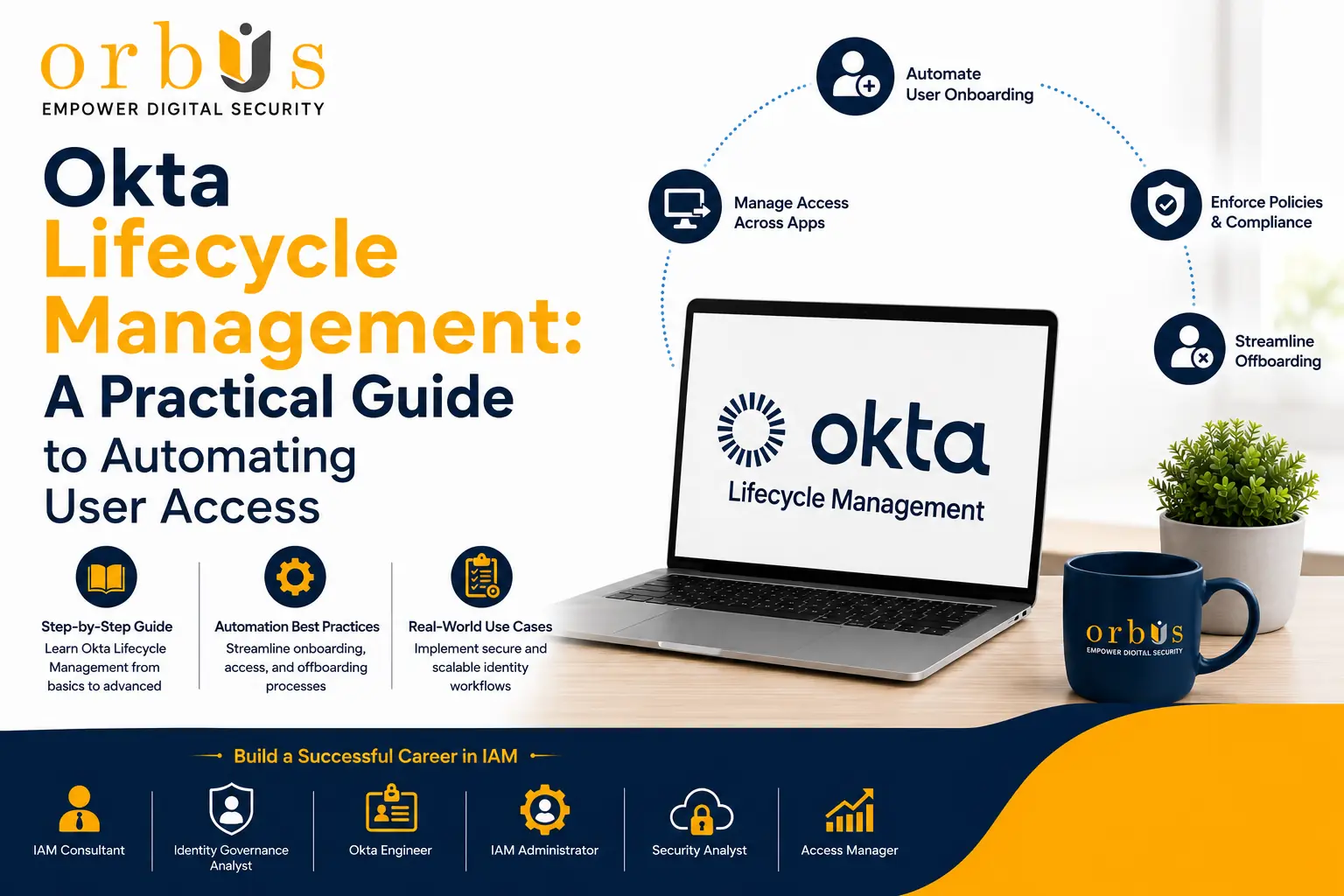
Okta Lifecycle Management: A Practical Guide to Automating User Access
 Key takeaways
- Okta Lifecycle Management automates onboarding, role changes, and offboarding across every connected app.
- It replaces manual, ticket-based provisioning with rules driven by your HR system or directory.
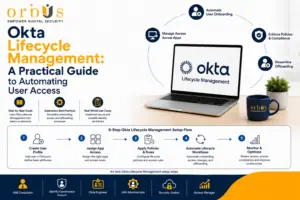
- Setup runs in five stages: connect your identity source, configure groups, configure app provisioning, test the full user journey, then monitor continuously.
- It’s a core skill for Okta Administrators, IAM Engineers, and Security Administrators.
Managing user access is one of the toughest ongoing jobs for IT teams. Employees join, change roles, and eventually leave — and at every stage, their access to applications and business resources has to be updated accurately and fast. Do this manually and you get slow provisioning, heavier admin workload, and security gaps whenever a permission gets missed.
Okta Lifecycle Management solves this by automating how user accounts are created, updated, and removed across every connected application. Instead of routing changes through support tickets and manual provisioning, your organization can guarantee the right access reaches the right person at the right time — with stronger security and compliance built in.
This guide covers how Okta Lifecycle Management works, why organizations rely on it, how to implement it step by step, and the best practices that keep it running securely.
What Is User Lifecycle Management in Okta?
User Lifecycle Management is the process of managing a user’s digital identity for as long as they’re connected to your organization — from onboarding, through role changes, to offboarding.
In Okta, Lifecycle Management automates this using three things: identity data from a trusted source, group-based access policies, and application provisioning. Administrators no longer create and update accounts by hand across a dozen systems — Okta does it automatically, based on rules you define once.
For example:
- A new employee gets access to the applications their role requires — automatically, on day one.
- When someone changes departments, their application permissions update to match the new role.
- When someone leaves, their accounts across every connected app get deactivated automatically.
The same automation extends to contractors, consultants, vendors, and partners — which is what makes Lifecycle Management a core piece of modern
Identity and Access Management (IAM), not just an HR convenience.
Why Organizations Use Okta Lifecycle Management
As a business grows, manually managing accounts gets harder fast — every new application is one more system an admin has to configure, monitor, and update by hand.
Okta Lifecycle Management removes most of that manual work while closing the security gaps it tends to create. The biggest advantages:
- Faster onboarding — new hires get access to required apps on day one, with no wait for manual provisioning tickets.
- Stronger security — access is revoked immediately when someone leaves, so inactive accounts don’t linger as an attack surface.
- Consistent access policies — every user is provisioned by the same rules, removing the inconsistency that comes with manual admin.
- Easier compliance — provisioning and deprovisioning are logged automatically, giving you a clean audit trail for regulatory and internal reviews.
- Less administrative overhead — IT spends less time on account creation and permission changes, and more time on security work that actually needs a human.
Larger enterprises can go further with approval workflows, scheduled provisioning, workflow automation, and deeper HR platform integration.
How to Set Up Okta Lifecycle Management (5 Steps)
Successful Lifecycle Management starts with clean identity data and a carefully planned rollout. Here’s the structure that keeps provisioning errors down and reliability high.
Step 1: Connect Your Identity Source
Start by identifying your authoritative source of user information — usually an HR platform like
Workday or
BambooHR, or a directory like
Microsoft Active Directory. These systems already hold names, departments, job titles, managers, and employment status.
Once connected, identity data syncs into Okta automatically — no more manually creating accounts inside Okta itself.
Step 2: Configure Groups and Attribute Mapping
Groups decide which applications a user can access. Administrators build rules around attributes such as:
- Department
- Job title
- Office location
- Employment type
- Business unit
When a user matches a rule, Okta places them into the right group and assigns the apps that group requires. Attribute mapping then keeps identity data synchronized between Okta and every connected system.
Step 3: Configure Application Provisioning
Every connected app needs its own provisioning configuration. For each one, define:
- Which accounts should be created
- Which profile attributes should sync
- Which permissions get assigned
- How accounts update during role changes
- What happens to the account when someone leaves
Many teams pair this with
Okta Workflows to handle business logic that goes beyond standard provisioning.
Step 4: Test Every Stage of the User Journey
Before rolling this out organization-wide, validate the full lifecycle end to end:
- New employee onboarding
- Department or role changes
- Temporary leave scenarios
- Employee termination
- Account reactivation, where applicable
This is where you catch permission gaps before real users ever hit them.
Step 5: Monitor and Improve Continuously
Lifecycle Management isn’t a “set it and forget it” project. As you add new applications, restructure teams, or change business processes, your provisioning rules need to keep pace — review and adjust them regularly.
Okta Backup and Recovery
Automation makes identity management faster, but it also raises the stakes: one misconfigured rule can affect hundreds of accounts at once. A wrongly scoped group rule or provisioning policy could modify — or deactivate — far more accounts than intended. That’s why backup and recovery planning belongs in every Lifecycle Management strategy, not as an afterthought.
Recommended practices:
- Back up directory configurations, provisioning settings, and group rules regularly.
- Document a recovery process for restoring accounts after an incorrect change.
- Test your recovery procedure periodically — don’t wait for a real incident to find out it doesn’t work.
- Keep a change log of major configuration updates to speed up troubleshooting and rollback.
Okta’s native identity management is robust, but many organizations still pair it with third-party backup tools or a well-defined change management process to protect these critical configurations.
Best Practices for Okta Lifecycle Management
Turning on automated provisioning isn’t the finish line. These practices keep it secure and efficient long-term:
- Keep identity data accurate. Automation is only as good as its source — make sure HR systems and directories are clean before you sync them.
- Use group-based access. Assign permissions through departments, job functions, or business units instead of one user at a time.
- Review access regularly. Roles change over time; periodic access reviews confirm people still have only what their current job requires.
- Test before production. Validate onboarding, role changes, and offboarding in a test environment before any new rule goes live.
- Monitor provisioning activity. Check logs and audit reports regularly for failed syncs, unexpected changes, or accounts that should have been deactivated.
Career Opportunities After Learning Okta Lifecycle Management
Identity automation is now a core skill for any organization running a cloud-first security strategy — and professionals who understand Lifecycle Management are in demand because they improve efficiency and security at the same time.
This knowledge prepares you for roles such as:
- Okta Administrator
- Identity and Access Management (IAM) Engineer
- Cloud Identity Engineer
- IAM Consultant
- Identity Governance Analyst
- Security Administrator
These roles show up across IT services firms, software companies, financial institutions, healthcare providers, consulting firms, and Global Capability Centers (GCCs) — and demand keeps growing as more businesses expand into the cloud.
Why Learn Okta Lifecycle Management?
Lifecycle Management is one of the core capabilities of the Okta platform — it’s the layer that connects identity data to automated provisioning and access governance.
Learning it helps you understand how organizations:
- Automate employee onboarding and offboarding
- Reduce manual identity administration
- Improve compliance and audit readiness
- Strengthen access security
- Support Zero Trust security strategies
- Manage identity at cloud scale
It also pairs directly with other core Okta services: Universal Directory, Single Sign-On (SSO),
Multi-Factor Authentication (MFA), Workflows, Routing Rules, and Identity Governance.
Conclusion
Manual access management gets harder every time your organization adds a cloud application. Okta Lifecycle Management solves this by automating onboarding, updates, and deprovisioning across the entire employee relationship.
Combine trusted identity sources, group-based provisioning, and automated workflows, and you get better productivity, less admin overhead, stronger security, and cleaner compliance — provided you back it with regular monitoring and a solid recovery plan.
For IT professionals building practical IAM expertise, understanding Lifecycle Management is one of the most useful steps toward mastering the Okta platform.
At
Cybersec Trainings, the official learning platform of Orbus International, learners get hands-on experience through instructor-led sessions, enterprise lab environments, practical implementation exercises, and certification-focused guidance — the real-world practice needed to manage enterprise identity solutions with confidence.